ACT I · START HERE

Before anything else, begin with the short tutorial.

CatDesk is designed as a guided first run: tutorial first, then passkey access, then calm study updates into Notion. Follow the sequence once, and the rest stays simple.

  • 1. Tutorial first
  • 2. Connect Notion
  • 3. Post updates
Step 1 required
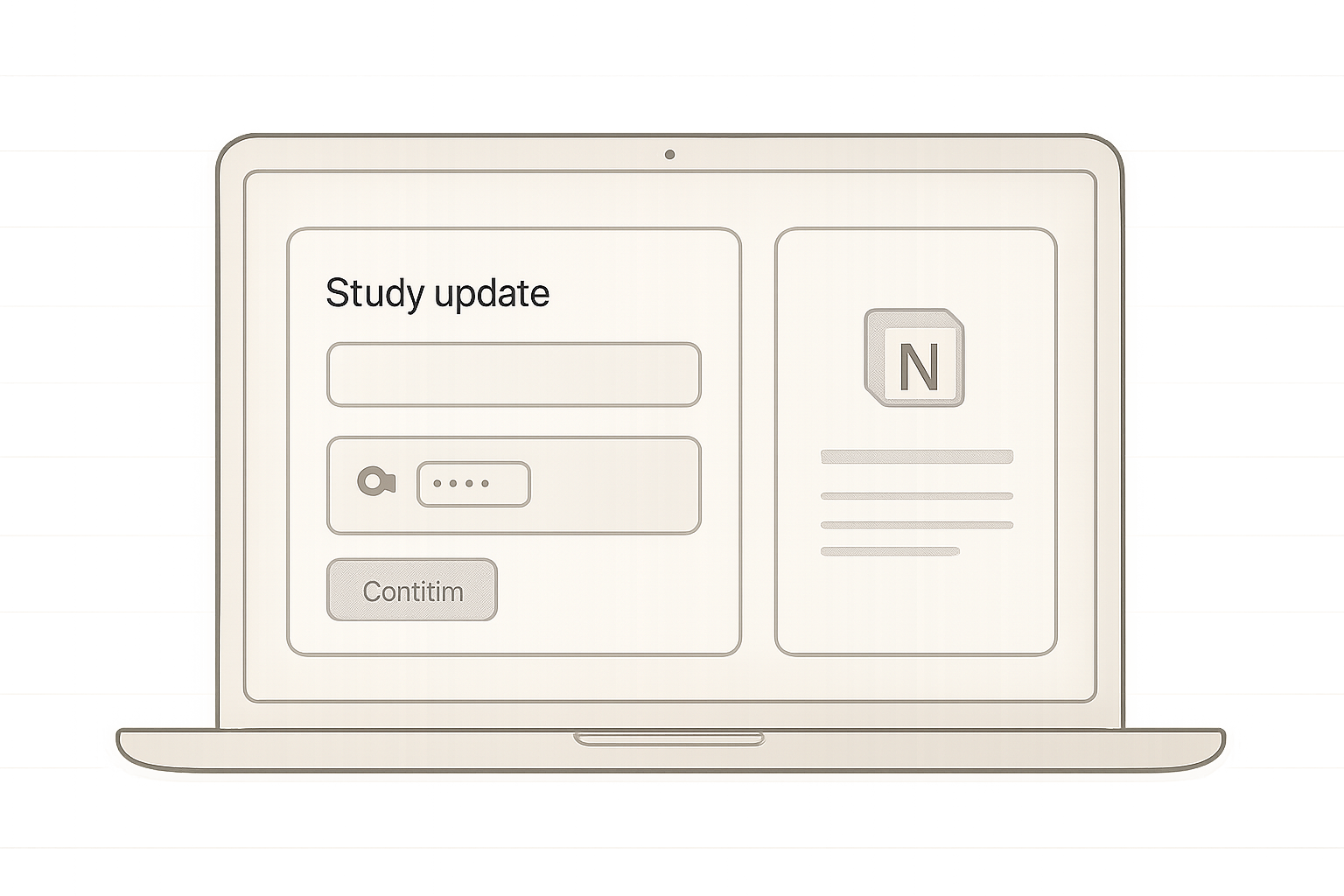
Soft CatDesk interface mockup showing a student update card being organized and sent into Notion with a calm minimal layout
Scroll to start the tutorial flow
Connect first, then start

What you need before CatDesk connects to Notion

Setup stays light and clear: connect Notion once, confirm your access details, and continue with a quiet study flow. If a study export is created, it is sent to your own working email inbox.

  • Notion connects before use, so every update has a clear destination from the first step.
  • No password is required, because CatDesk login uses a passkey flow instead of a password-based account.
  • A working email is required, so you can complete access and receive any exported files in your own inbox.
  • Google Drive registration is required, and should be ready before you start the CatDesk flow.
See the tutorial first
Student update sync Notion
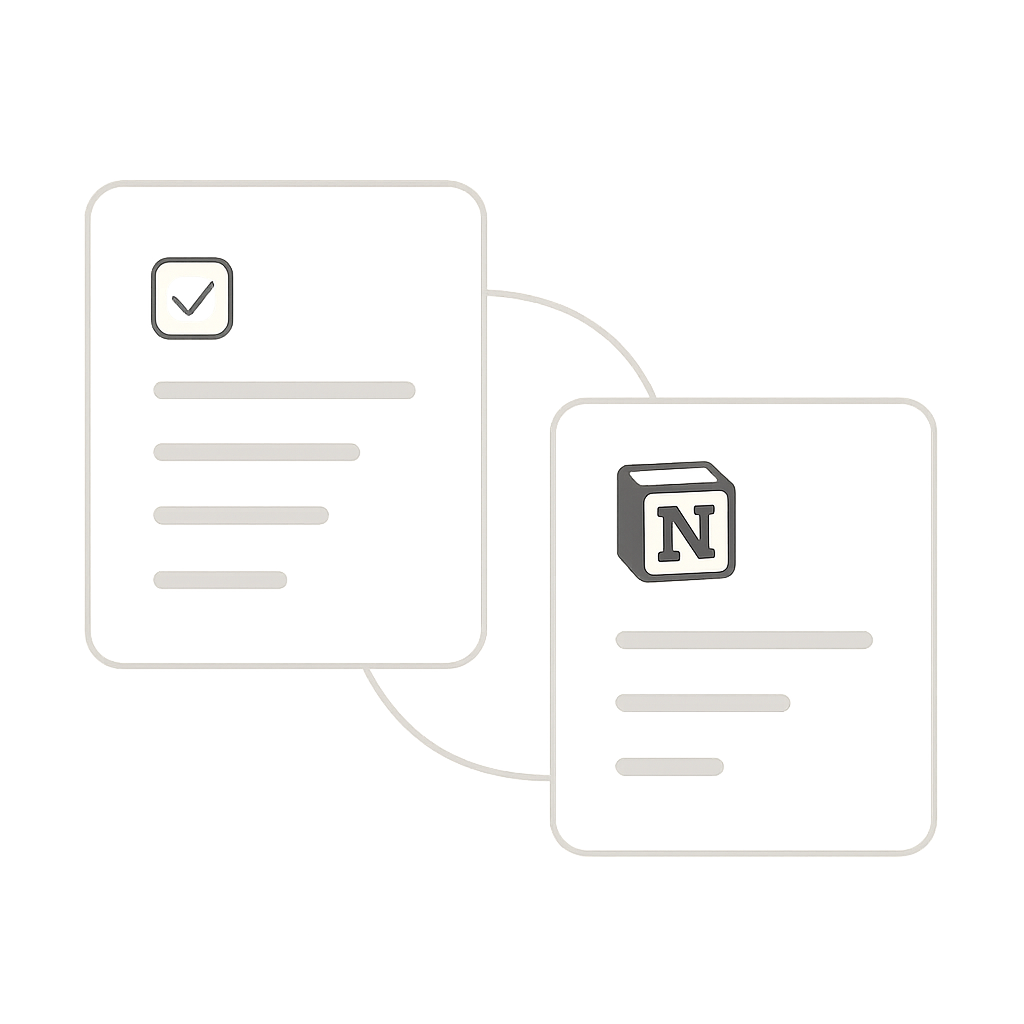
Minimal product-style illustration showing a student study flow card connected to a Notion page card with a calm sync path

Subdomain map

CatDesk is split into three clear subdomains.

Use this as a simple map of where each part of the experience lives.

  • tutorial.catdesk

    Start here first. This subdomain walks students through the guided first run in a calm, step-by-step way.

  • connect.catdesk

    Connection checkpoint. This subdomain links Notion before use and confirms access details before continuing.

  • app.catdesk

    Daily workspace. This subdomain is where students add quick study notes and send them into their connected Notion setup.

Practical questions, answered.

Everything below is designed to keep setup light, predictable, and easy before you start the tutorial.

Do I need a full account or password to use CatDesk?

No password is required. You use a lighter passkey access flow instead of a traditional username-and-password login.

Do I need a working email to use CatDesk?

Yes. You need an active working email so CatDesk can complete access checks and send your export file when needed.

Do I need to be registered in Google Drive first?

Yes. You must already be registered in Google Drive before using CatDesk.

What happens before my selected deletion time ends?

Before deletion runs, CatDesk exports the relevant Notion page content as a .txt file and sends it to your own working email, excluding the provided template.

What can I access after deletion?

After that export step, deleted CatDesk data is no longer available in the app, while anything already sent to Notion stays in your Notion workspace.